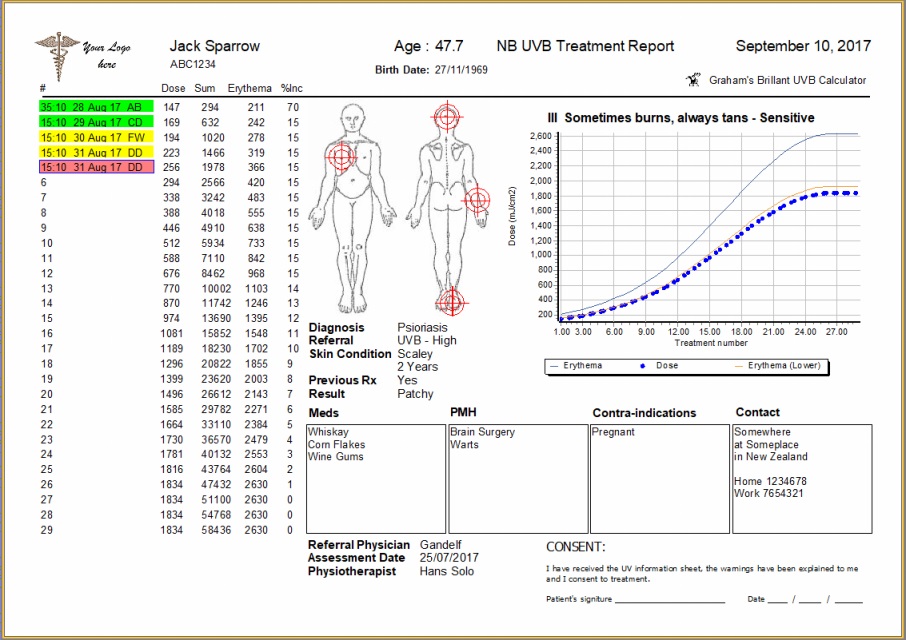
The report covers all clinically entered information and provides a consent form for the patient to acknowledge acceptance of treatment.
To produce a report click the “Print” button – you will be shown a preview of the report, and from there you can either send the report to the printer for a hard copy output, or direct the report to a PDF
Printing to PDF, options to alter the header information, or password encrypt the document and controls for how the final document will be viewed by the PDF viewer are available. For most situations the default values are suitable and clicking OK to generate the PDF is all that is needed, where you can then assign it a file name.
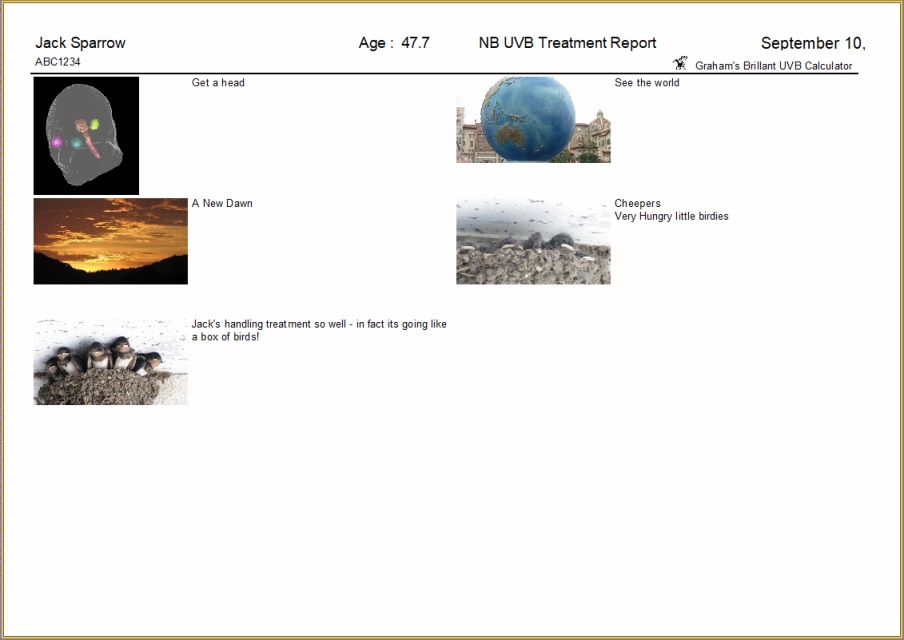
If Images + Notes were captured they they will be printed on the 2nd and subsequent pages will appear as below: