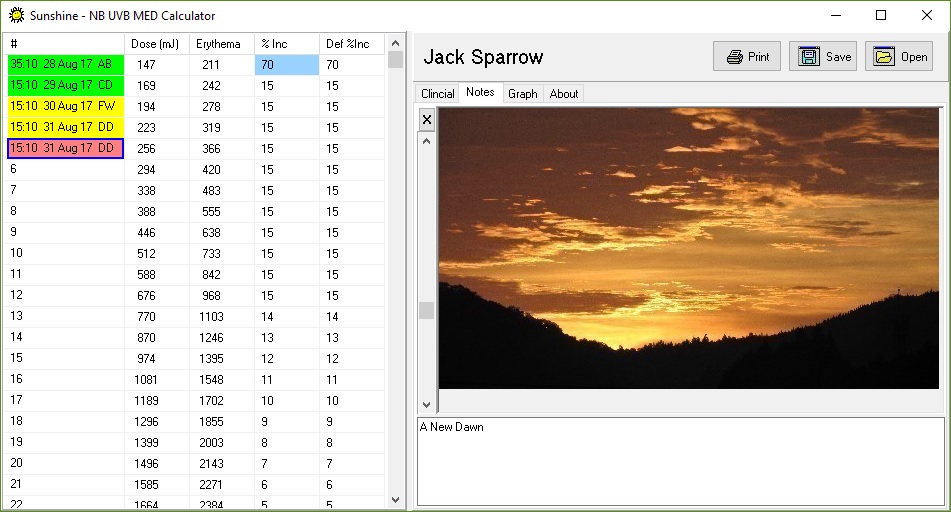
Notes assist with tracking the progress of a patients treatment, where photos and their associated notes are kept together and can be later condensed into a report for documenting the progress of the patients condition though their course of treatment.
Hence all Notes require an accompanying image to be “drag & dropped” onto the application. The commentry is linked with the image and is then able to be stored / retrieved from the UVB file along with the treatment record.
To help minimise the file size, the images are resized to a maximum pixal dimmension of 500pixals in either the height or width direction. The images are then re-encoded as Jpeg images for streaming into the backup file.
The slide bar at left, allows you to step through the notes. Individual notes can be deleted with the X button.